Blocks & Actions
Every action a workflow can take, with its fields and an example. This is the complete set: a workflow is built only from these blocks, which is what keeps it safe to share and run.
navigator.webdriver, no debug port); and secret fields — like a 2FA seed — take a vault reference, so the secret itself stays in your vault. A workflow is data built from this fixed set, so one you import or an assistant drafts can't do anything outside it.This page is generated from the live engine, so it always matches what Orbe actually runs. Every block is platform-neutral.
Common properties
Every block, whatever it does, also carries these:
screenshot_and_stop, stop, or continue. Set per block to override the run's default.2FA code — use a vault reference, so the secret stays in your vault. A value typed straight into an ordinary field is saved in the workflow as written. When you save a flow, Orbe offers to replace values that look like passwords or keys with placeholders. Check the file before you share it.Navigate
Open profile open
Open the profile and connect the control channel. Runs the pre-flight discipline checks.
{"open": {"url": "https://example.com"}}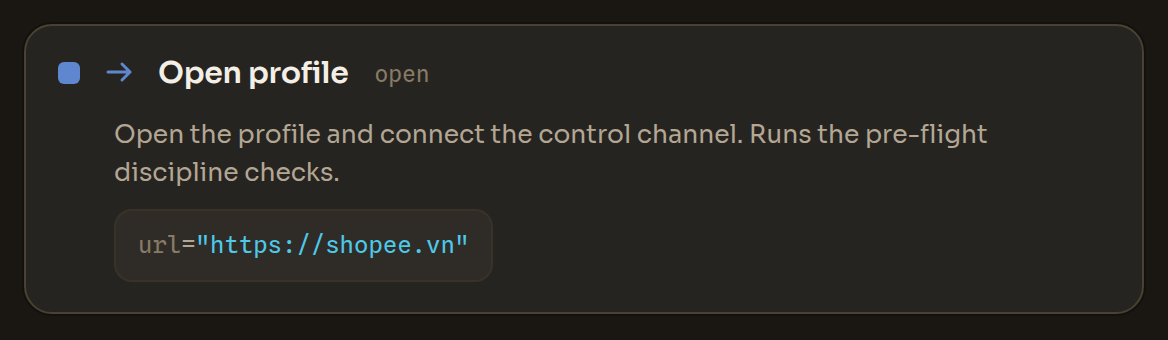
Go to URL goto
Navigate the current tab to a URL.
{"goto": {"url": "https://example.com/login"}}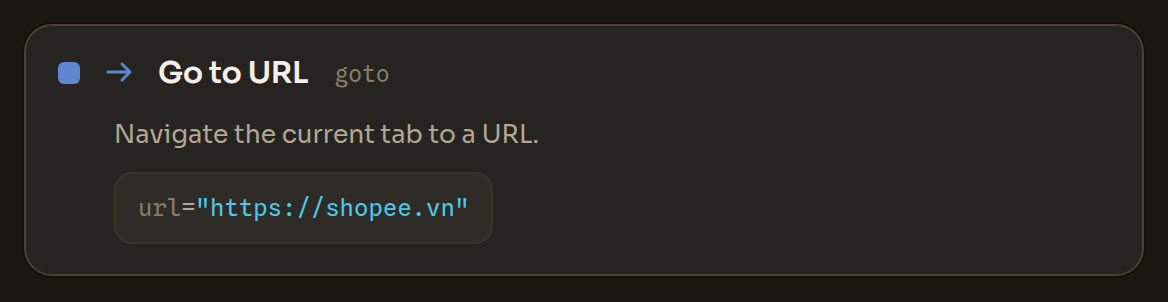
Delay wait
Pause for a fixed number of seconds. For random human jitter, use the per-node 'wait after' property.
{"wait": {"seconds": 2}}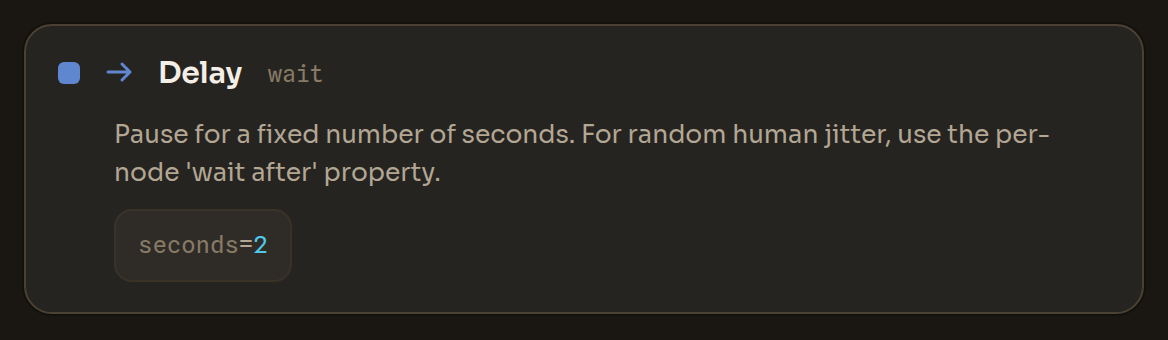
Wait for element wait_for
Wait until an element carrying the given text appears (or time out). Use an element selector to wait for a precise element (e.g. inside a specific container).
{"wait_for": {"text": "Sign in", "timeout": 15}}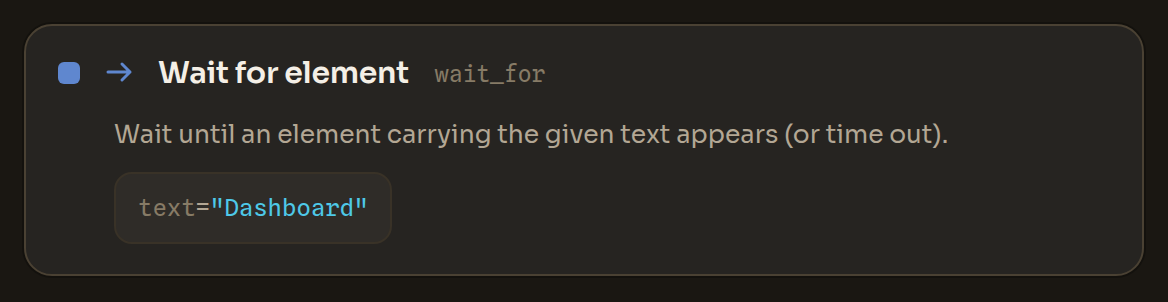
Wait for page address wait_url
Wait until the page address contains some text, or until it changes (e.g. after a login redirect). Optionally store the new address.
{"wait_url": {"contains": "/dashboard", "timeout": 20, "into": "landed"}}
New tab new_tab
Open a new tab (optionally at a URL) and optionally store its id. Runs through the internal channel — no debug port.
{"new_tab": {"url": "https://example.com", "into": "tab2"}}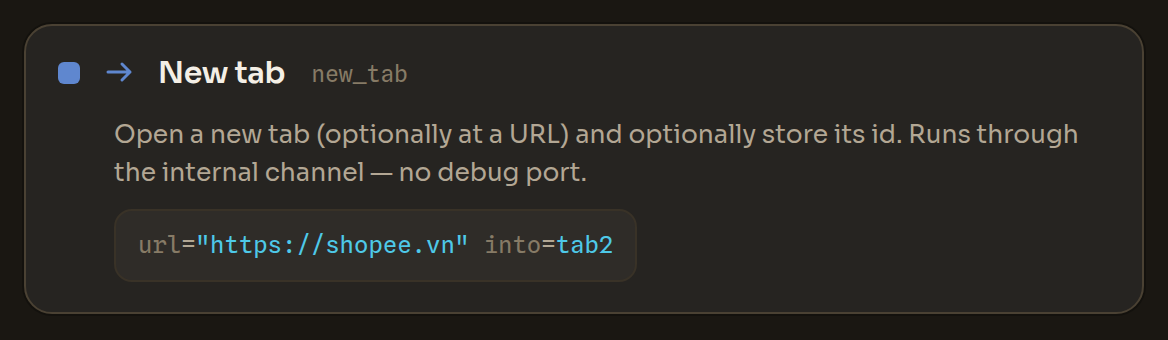
Switch tab active_tab
Bring a tab to the front by its id — or by what it shows: the start of its address or text in its title. Stops if several tabs match and no nth is given.
{"active_tab": {"tab": "{{tab2}}"}}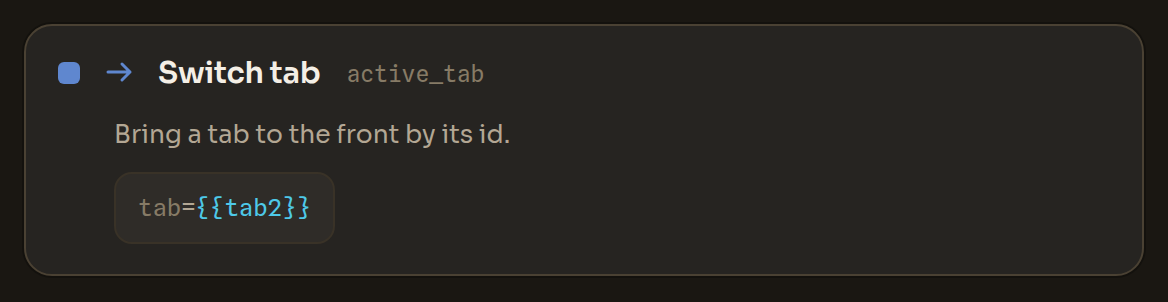
Close tab close_tab
Close a tab by id, or the current tab when left empty.
{"close_tab": {}}
List tabs tabs
Store the ids of all open tabs, in the order they appear, as a list variable — loop over it with Switch tab, or count it with Count list items.
{"tabs": {"into": "tab_ids"}}
Wait for any of wait_any
Wait until the first of several texts appears on the page (e.g. a success message, an error, or a captcha) and store which one matched — so the next steps can branch on the outcome at a single wait point.
{"wait_any": {"any": ["Welcome", "Wrong password", "Verify"], "into": "seen"}}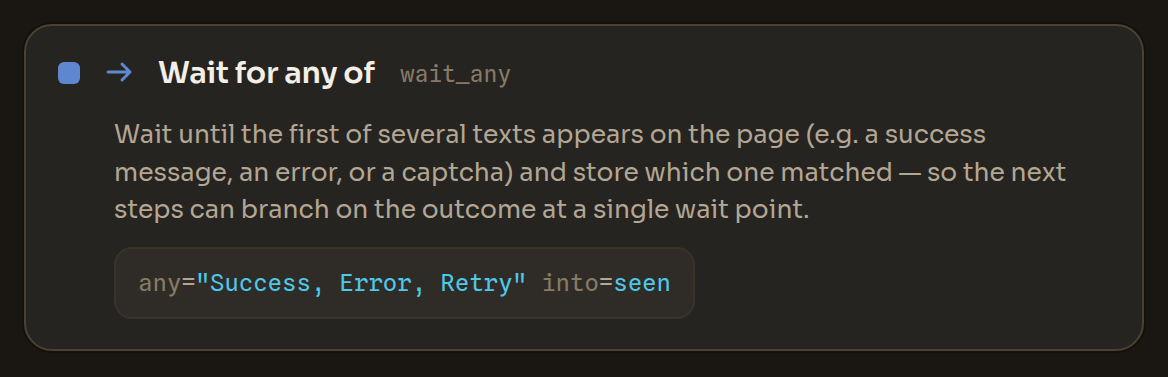
Go back back
Navigate back one page in history.
{"back": {}}
Reload reload
Reload the current page.
{"reload": {}}
Close close
Close the profile's browser.
{"close": {}}
Act
Mouse click click
Click an element by its visible text (or by viewport coordinates). The mouse moves with human timing. When several elements share the same text, add an element selector (nth index or scope container) to pick exactly one — if the choice is still ambiguous the run pauses instead of clicking the wrong element.
left, right, middle){"click": {"text": "Sign in"}}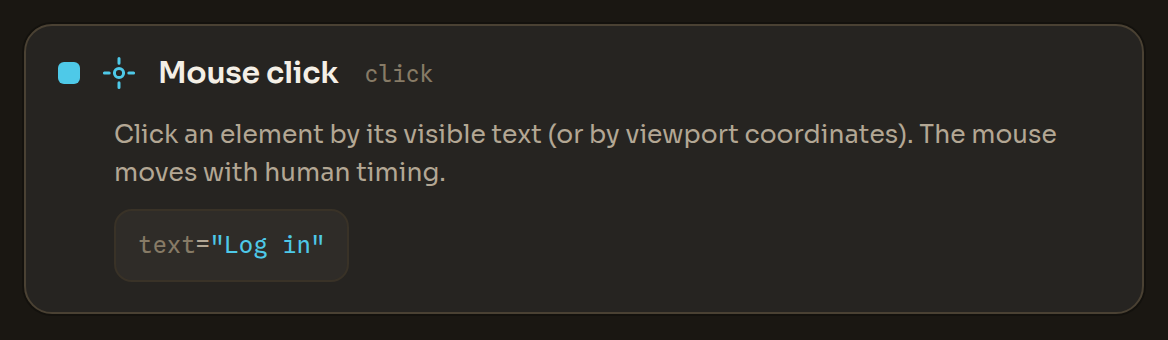
Type text type
Type text into a field with human timing; optionally press Enter. Click the field (or set 'into') first.
{"type": {"into": "Email", "text": "{{email}}", "enter": false}}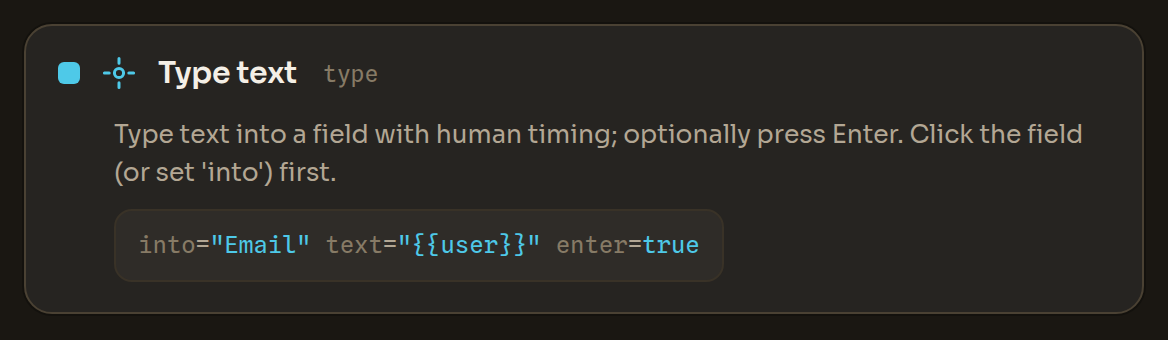
Scroll scroll
Scroll one human gesture; 'dy' sets the direction (negative = up).
{"scroll": {"dy": 600}}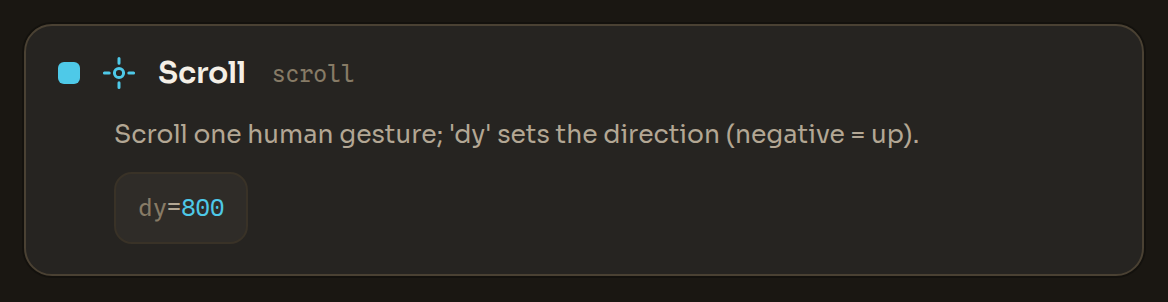
Scroll until scroll_until
Scroll down with human gestures until the given text appears or the page bottom is reached.
{"scroll_until": {"text": "Load more"}}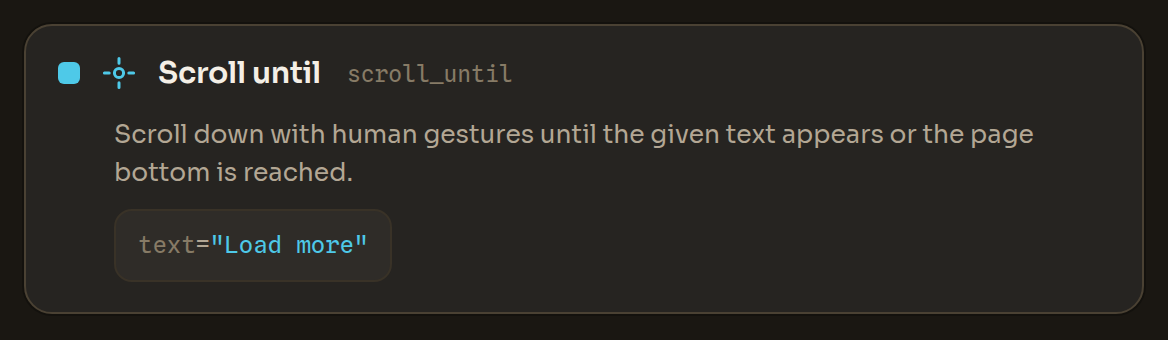
Random scroll random_scroll
Scroll the page by random amounts, with short pauses, the way a person browses.
down, up, both){"random_scroll": {"times": 3, "direction": "down"}}
Press keys hotkey
Press a key or an editing shortcut in the page (copy, paste, select all, undo, arrows, Enter…). Only editing shortcuts are allowed; browser and system shortcuts are refused.
Copy, cut and paste shortcuts (Ctrl+C, Ctrl+X, Ctrl+V, Ctrl+Insert, Shift+Insert, Shift+Delete) run only in trusted workflows — imported or AI-written flows ask your permission first (see Allowing sensitive steps).
{"hotkey": {"keys": "Ctrl+A"}}
Read
Read page text read
Read all visible text on the page (via the C++ renderer — no script runs in the page). Optionally store it.
{"read": {"into": "page_text"}}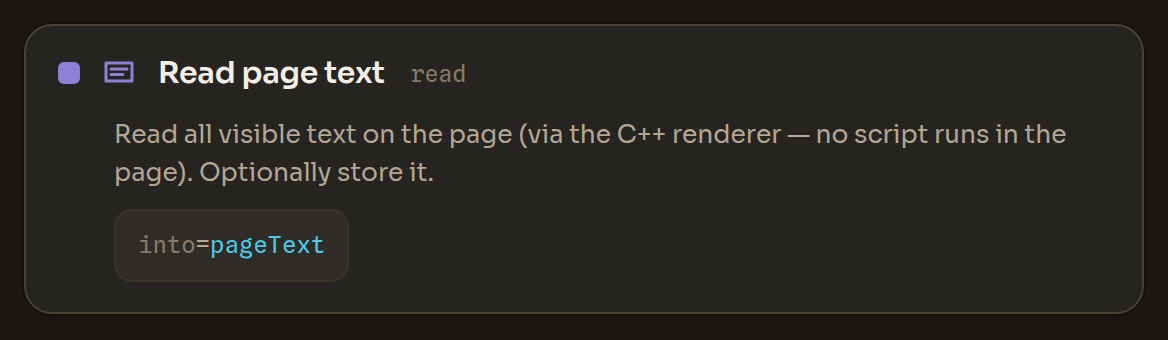
List elements elements
List actionable elements with their text and box. Optionally store the list.
{"elements": {"into": "buttons"}}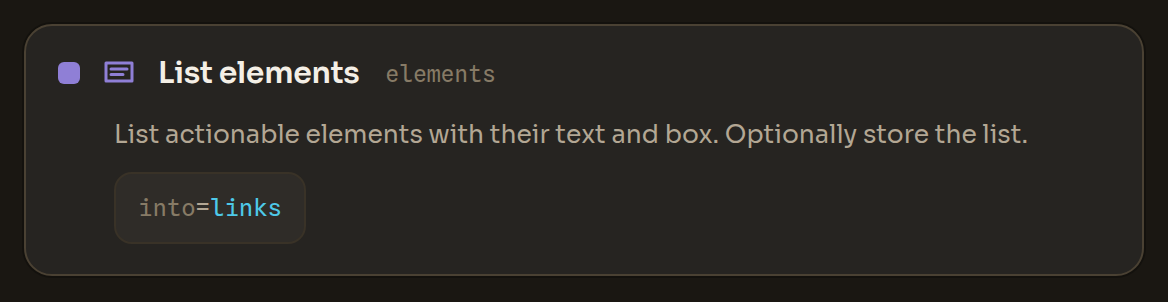
Get element attribute get_attribute
Read one property of a single element — its text, accessible label, role, form field name, placeholder, whether it is checked or enabled, link address (href), field type, field value, or image alt text — into a variable. Password and other protected fields never return their value. Stops if several elements match; add nth or scope to pick one.
text, label, role, name, placeholder, checked, enabled, href, input_type, value, alt){"get_attribute": {"text": "Learn more", "attr": "href", "into": "link"}}
Count elements count_elements
Count the elements on the page that match the text or element selector and store the number (0 when none match).
{"count_elements": {"text": "Add to cart", "into": "n"}}
Extract list extract
Collect a list from many matching elements in one step — e.g. every product name on the page — filtered by visible text and stored in a variable for later steps to loop over. Set field to 'link' to collect link addresses instead of text.
text, link){"extract": {"field": "text", "match": "Product", "into": "product_names"}}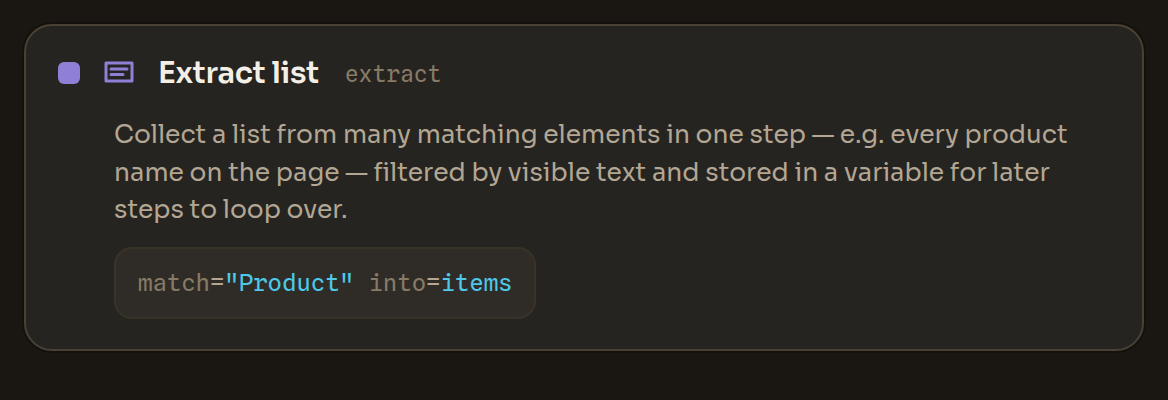
Screenshot screenshot
Capture the page through the compositor (no canvas noise).
{"screenshot": {"path": "after-login.png"}}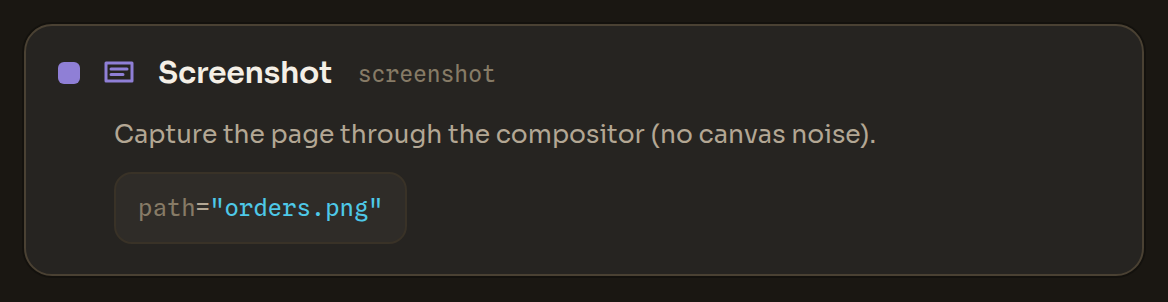
Get URL get_url
Read the current tab's URL into a variable.
{"get_url": {"into": "current_url"}}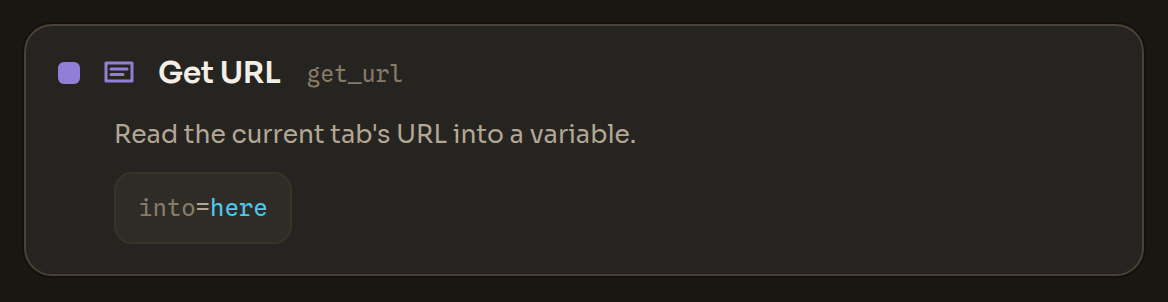
Data
Set variable set
Set a variable to a value (supports {{other}} substitution).
{"set": {"name": "username", "value": "alice"}}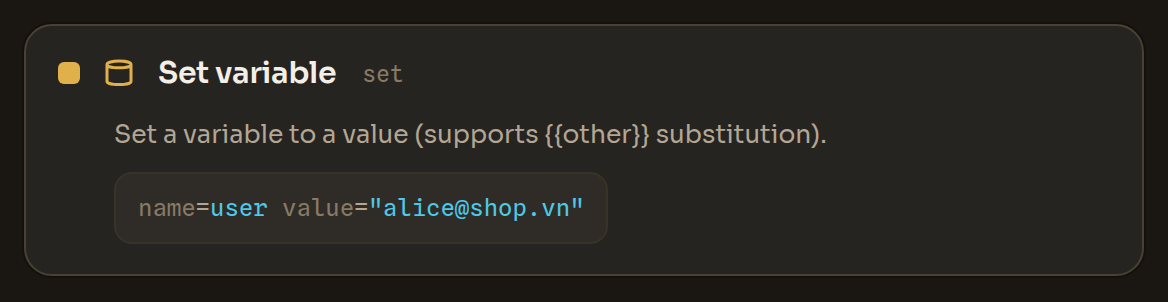
Regex extract regex
Extract the first regular-expression match (or a capture group) from a text into a variable.
In an untrusted workflow — for example a script imported from another tool — this step stops before running its pattern until you allow it (see Allowing sensitive steps).
{"regex": {"from": "{{page_text}}", "pattern": "\\d{6}", "into": "code"}}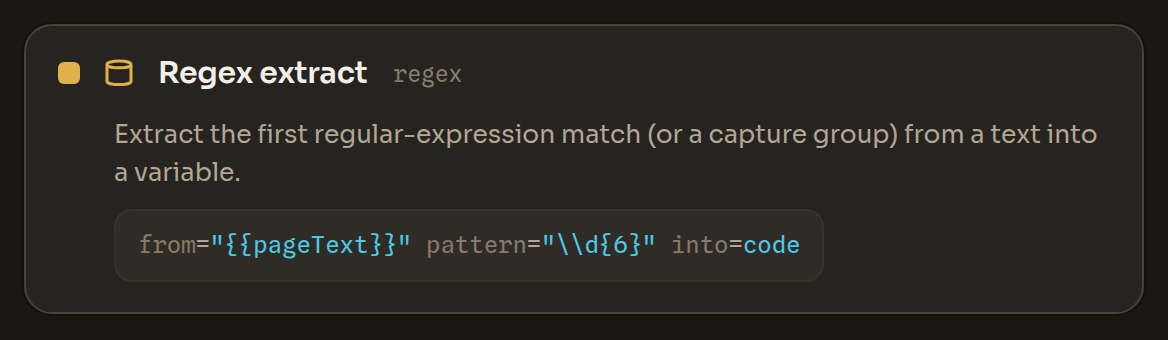
Split text split
Split a text on a separator; store the whole list, or one part by index.
{"split": {"from": "{{row}}", "sep": ",", "into": "cell", "index": 0}}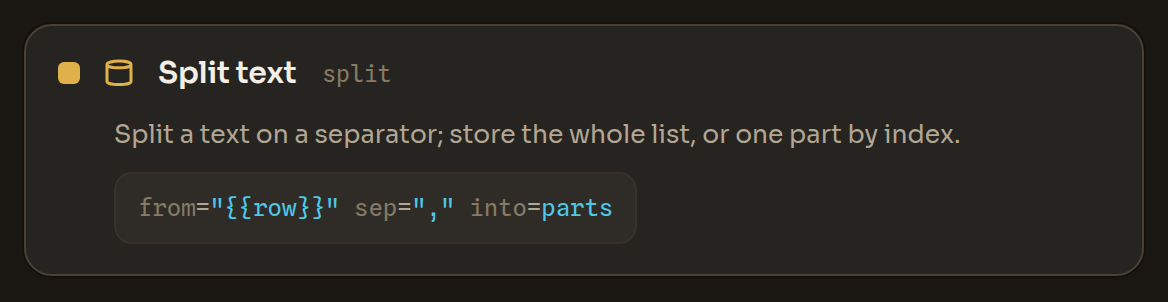
Math math
Compute a typed arithmetic operation (add/sub/mul/div/mod/pow) on two numbers into a variable — no formula evaluation.
add, sub, mul, div, mod, pow){"math": {"op": "add", "a": "{{count}}", "b": "1", "into": "count"}}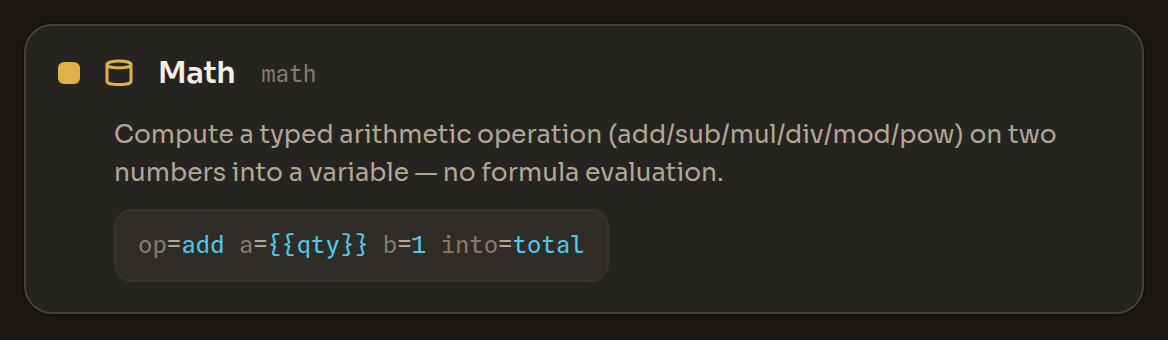
Random number random_number
Pick a random whole number between min and max (inclusive) into a variable.
{"random_number": {"min": 2, "max": 8, "into": "pause"}}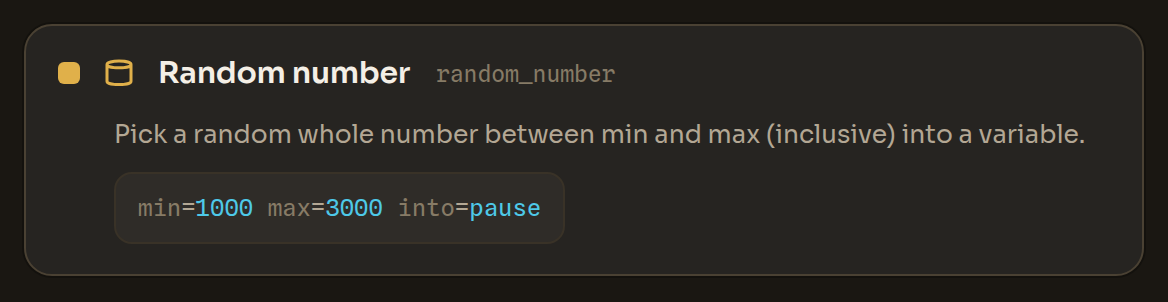
Random text random_text
Make a random string of the length you choose (letters, digits, both, or hex) and store it in a variable.
alnum, letters, digits, hex){"random_text": {"length": 12, "chars": "alnum", "into": "suffix"}}
Read JSON read_json
Read a value out of JSON text you already have in the workflow (for example a response stored in a variable), following a path like data.items.0.name. It does not read files.
{"read_json": {"from": "{{response}}", "path": "data.items.0.name", "default": "unknown", "into": "name"}}
Increase variable increment
Add to a number variable (by 1 unless you set another amount). An empty or new variable counts as 0.
{"increment": {"name": "count", "by": 1}}
Decrease variable decrement
Subtract from a number variable (by 1 unless you set another amount). An empty or new variable counts as 0.
{"decrement": {"name": "count", "by": 1}}
Count list items count_items
Store how many items a list variable holds (0 when it is empty).
{"count_items": {"from": "tab_ids", "into": "tab_count"}}
Transform list transform
Transform a list variable — sort, reverse, de-duplicate, slice, join into a string, or count its length.
sort, reverse, unique, slice, join, length){"transform": {"op": "unique", "from": "emails", "into": "unique_emails"}}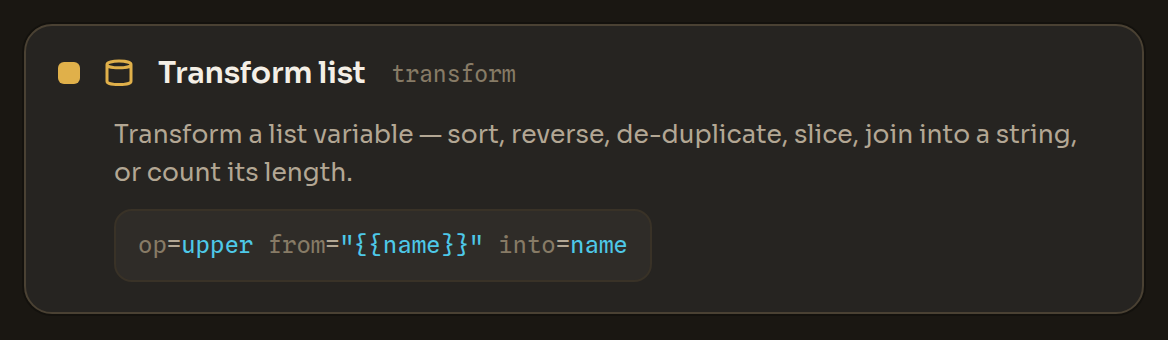
Ask a person prompt
Pause and ask the person a question (for a captcha answer or a one-time code), then store their reply and continue.
{"prompt": {"message": "Enter the code from the SMS", "into": "code"}}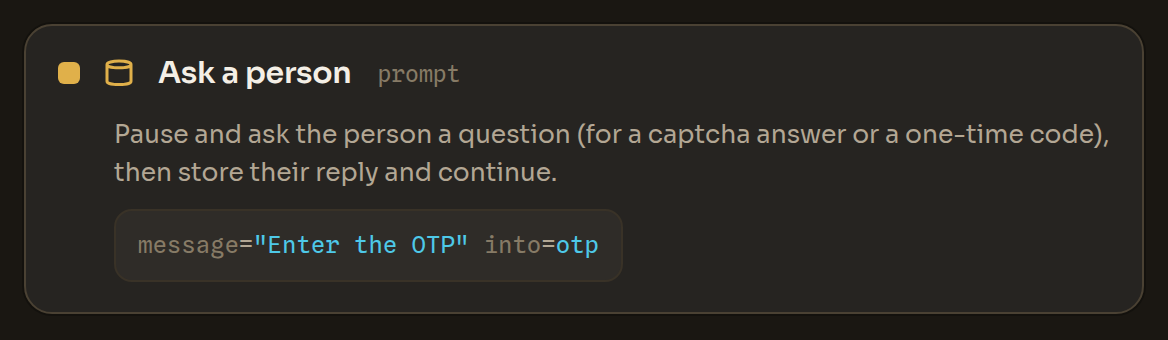
Save state state_set
Save a value under a key that persists across runs — so a multi-day job can remember its progress.
{"state_set": {"key": "last_row", "value": "{{i}}"}}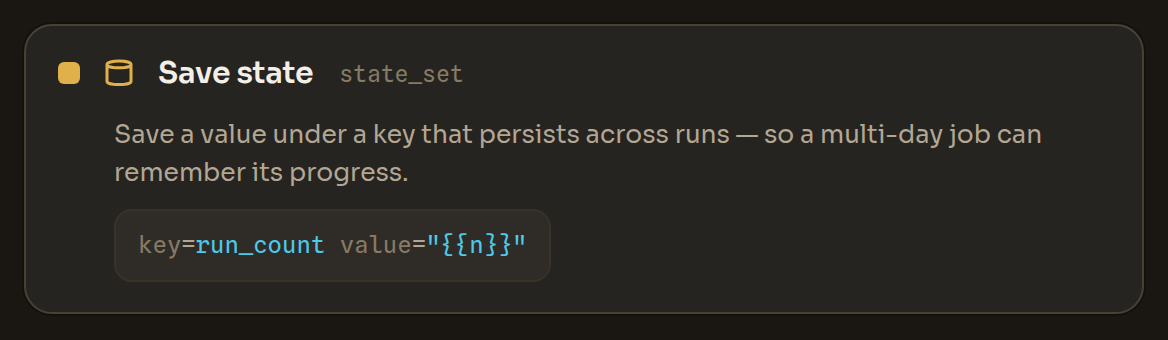
Load state state_get
Load a value saved earlier by its key (with an optional default when nothing is stored yet).
{"state_get": {"key": "last_row", "into": "start", "default": "0"}}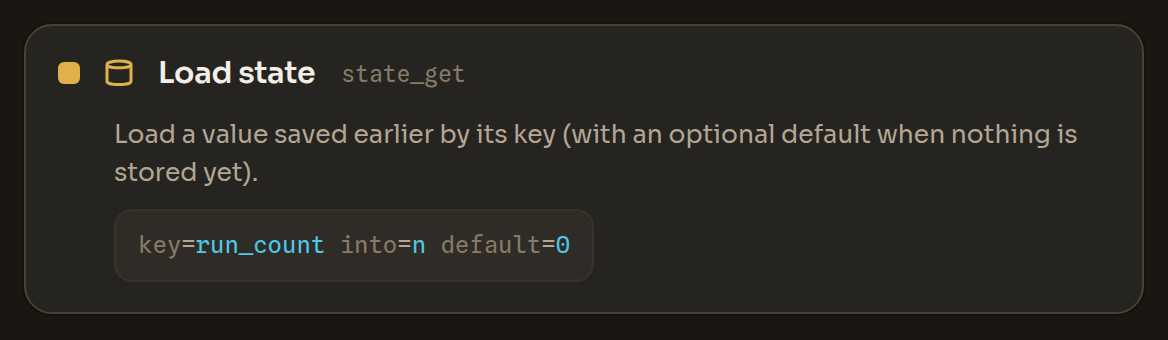
Get cookies cookies
Read the cookies for a URL through the browser-process cookie store (not CDP — no debug port an attacker could read). Optionally store the list.
{"cookies": {"url": "https://example.com", "into": "jar"}}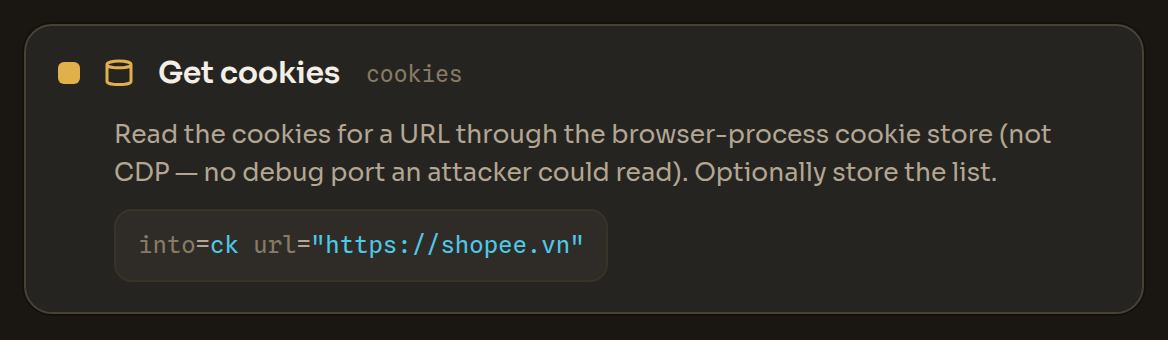
Set cookie set_cookie
Set a cookie in the browser-process cookie store. Values may reference a {{variable}} captured earlier. Leave expires empty for a session cookie (cleared when the profile closes), or set when it expires (at most 400 days ahead); SameSite is lax unless you choose strict, none (needs secure) or unspecified.
lax, strict, none, unspecified){"set_cookie": {"name": "session", "value": "{{token}}", "domain": "example.com"}}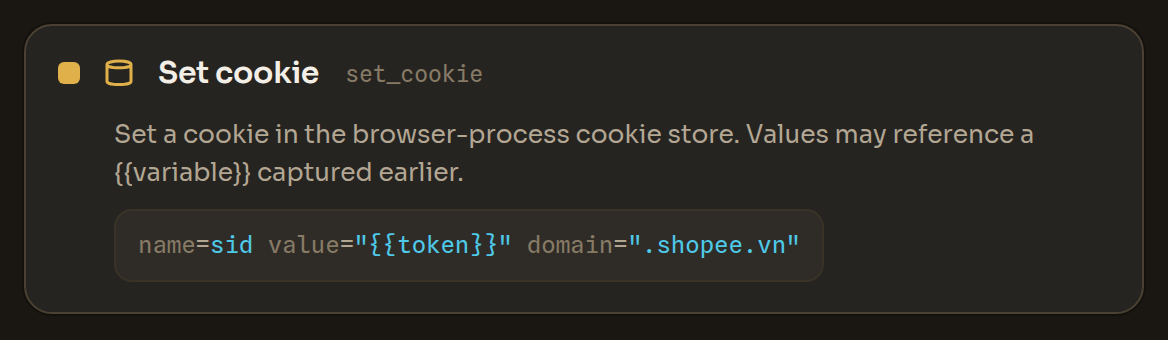
Clear cookies clear_cookies
Delete cookies for a URL (optionally one name). Optionally store how many were removed.
{"clear_cookies": {"url": "https://example.com"}}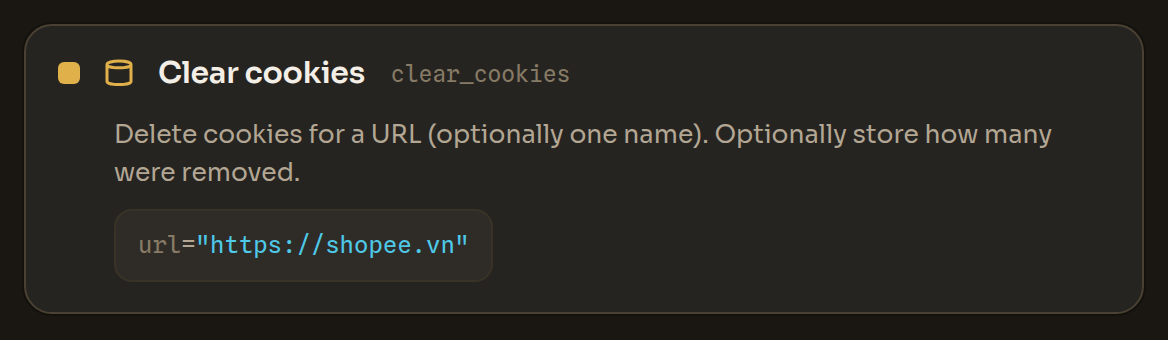
Control
Call workflow call
Run another saved workflow as a sub-step. The sub-workflow is resolved locally (never fetched); it inherits the least-trusted provenance of caller and callee, and shares the run's total step budget.
{"call": {"flow": "sign-in"}}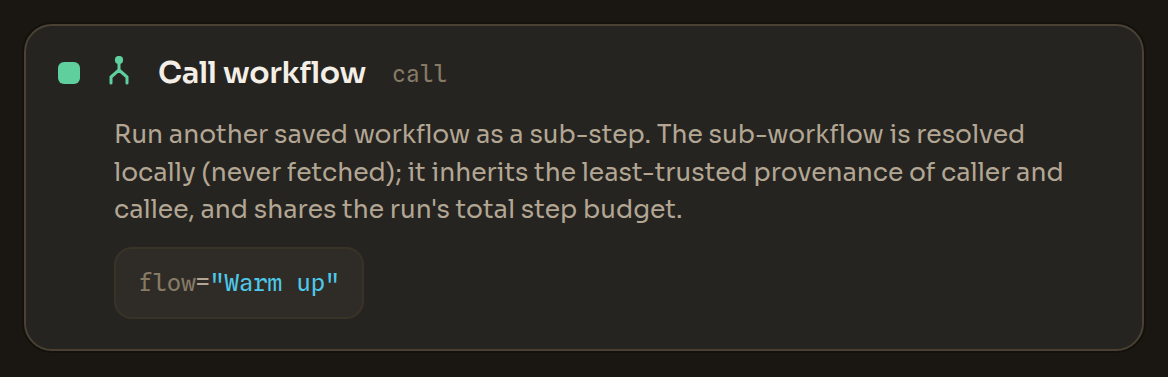
If if
Run the 'then' steps when a condition holds, else the 'else' steps.
text_present, element_present, var_equals){"if": {"text_present": "Verify"}, "then": [ … ], "else": [ … ]}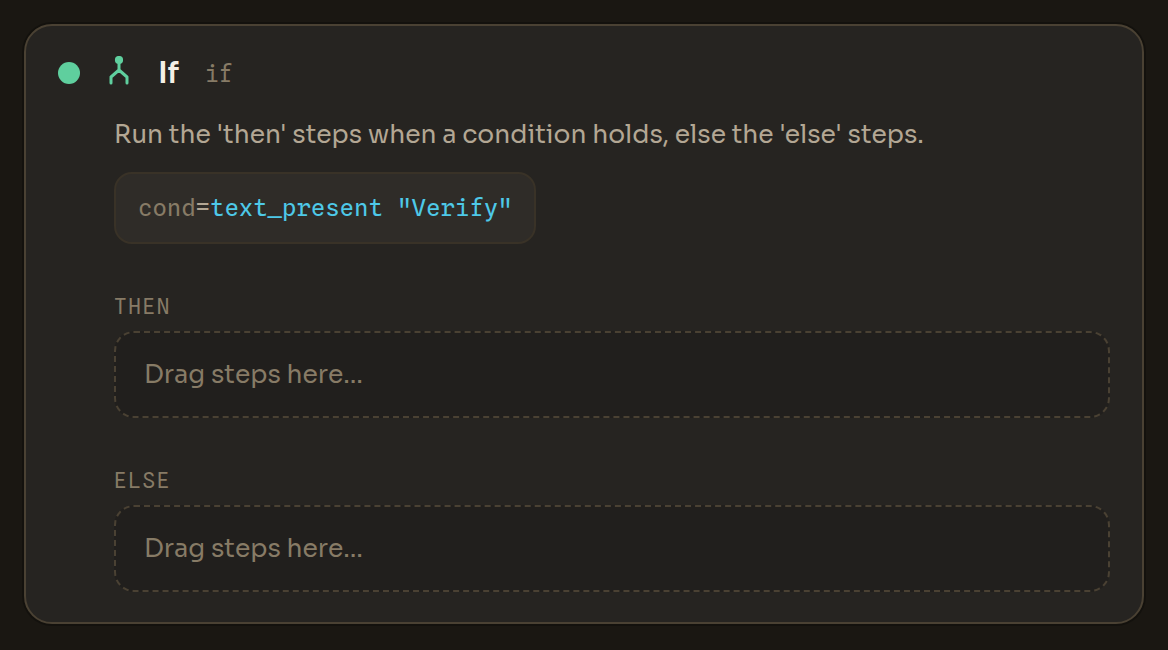
For (repeat) repeat
Repeat the steps a fixed number of times, once per row of a CSV, or once for each item of a list variable. In each pass {{item}} (or the name you choose) holds the current item; an item that is itself a list or object can be read further with Read JSON.
times, for_each_row, for_each_item){"repeat": {"times": 3}, "do": [ … ]}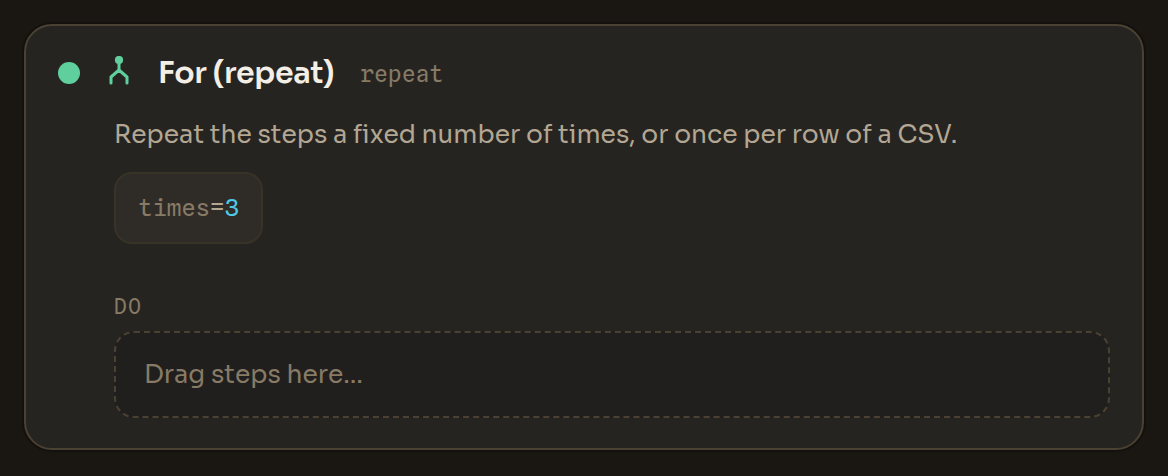
Retry retry
Run the steps, retrying on error up to a limit.
{"retry": {"times": 3, "backoff": 2}, "do": [ … ]}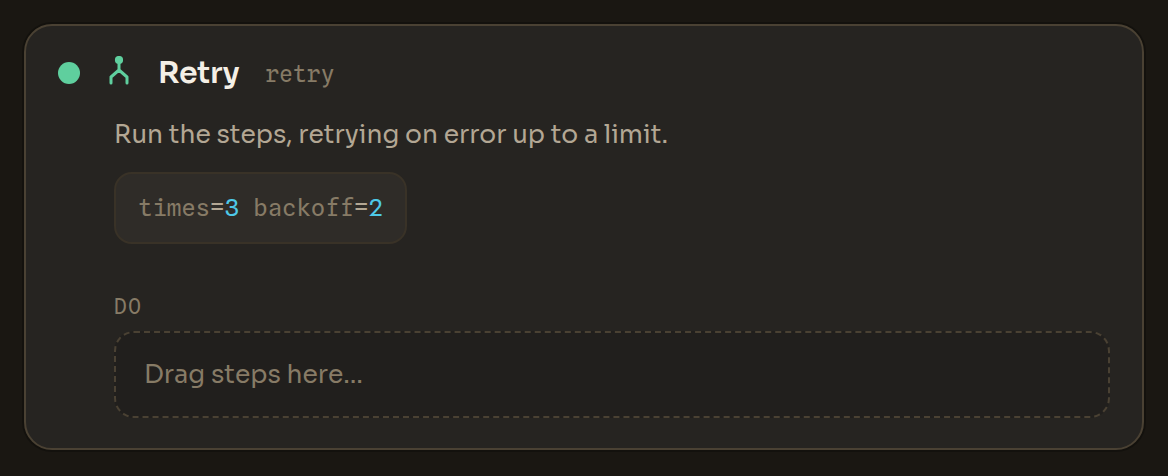
Try / on error try
Run the 'do' steps; if any of them fails, run the 'fallback' steps instead (per-block error handling, e.g. a backup selector).
{"try": {}, "do": [ … ], "fallback": [ … ]}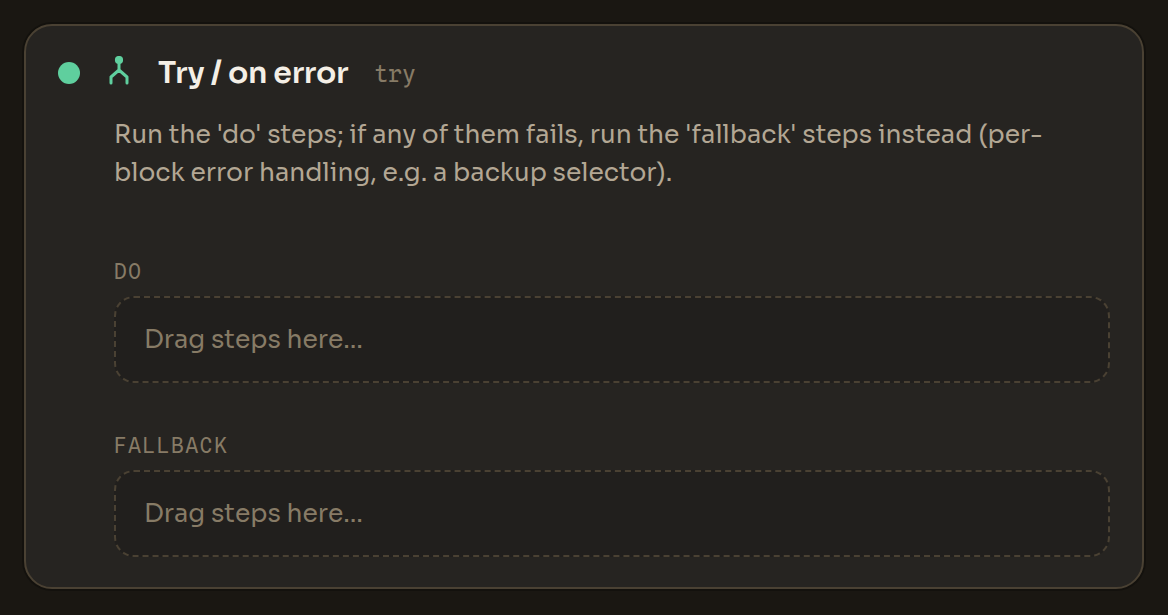
While while
Repeat the steps while a condition holds (capped to avoid runaway loops).
text_present, element_present, var_equals){"while": {"element_present": "Next", "max": 50}, "do": [ … ]}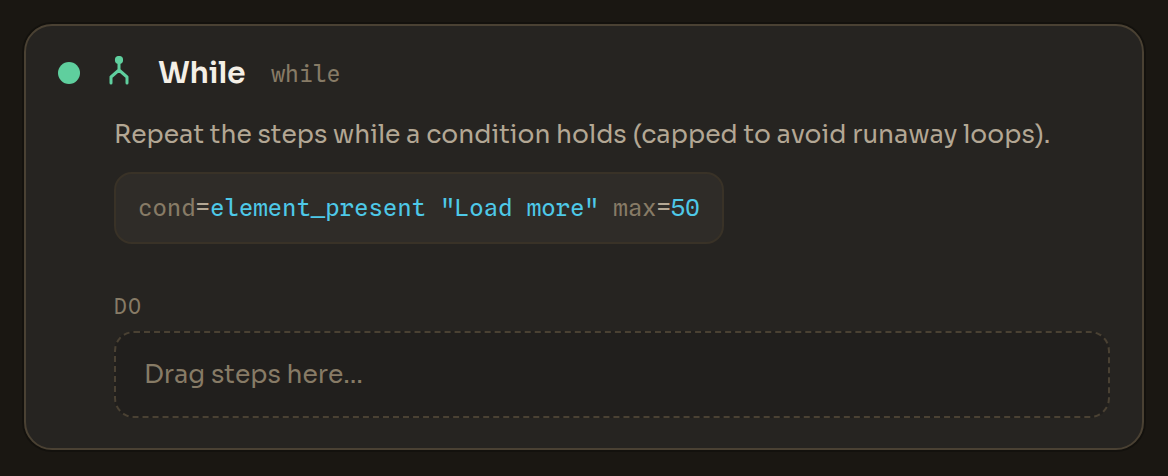
Stop stop
Stop the workflow cleanly (not an error), with an optional reason.
{"stop": {"reason": "checkpoint detected"}}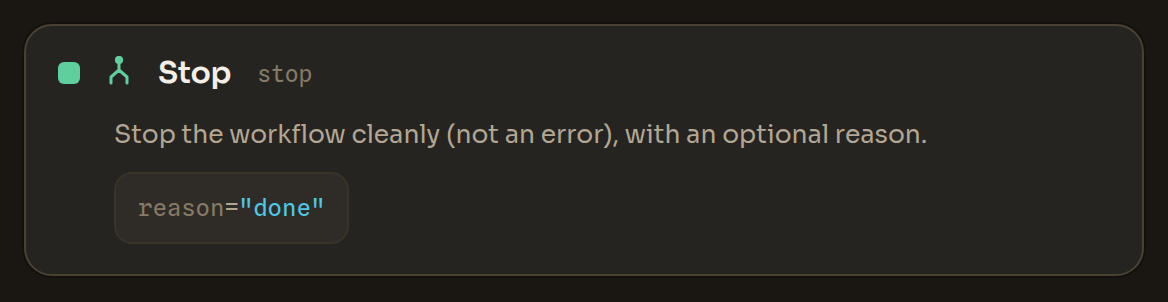
Exit loop exit_loop
Break out of the nearest loop.
{"exit_loop": {}}
Next loop next_loop
Skip the rest of this iteration and continue the loop.
{"next_loop": {}}
Throw error throw
Stop the workflow with an error and an optional message.
{"throw": {"message": "unexpected page"}}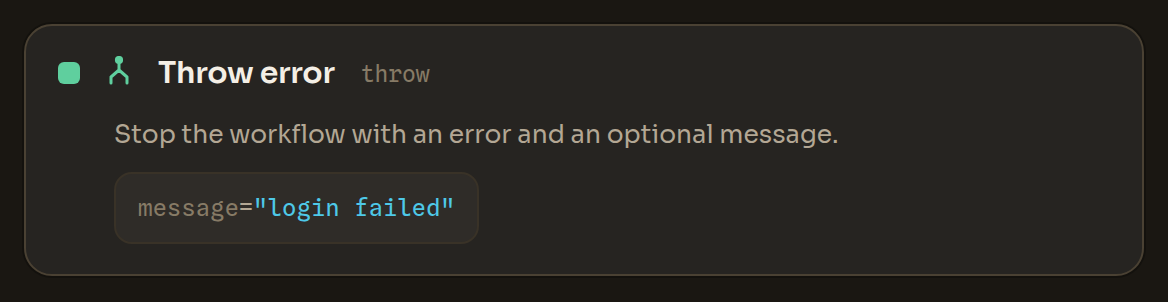
Verify (checkpoint) assert
Verify a condition and stop the run with a clear reason if it is not met — a checkpoint that fails loud instead of letting the workflow keep running on a broken state (e.g. verify you are logged in, or that no captcha appeared, before going on).
present, absent, equals, contains){"assert": {"that": "present", "text": "Log out", "message": "not logged in"}}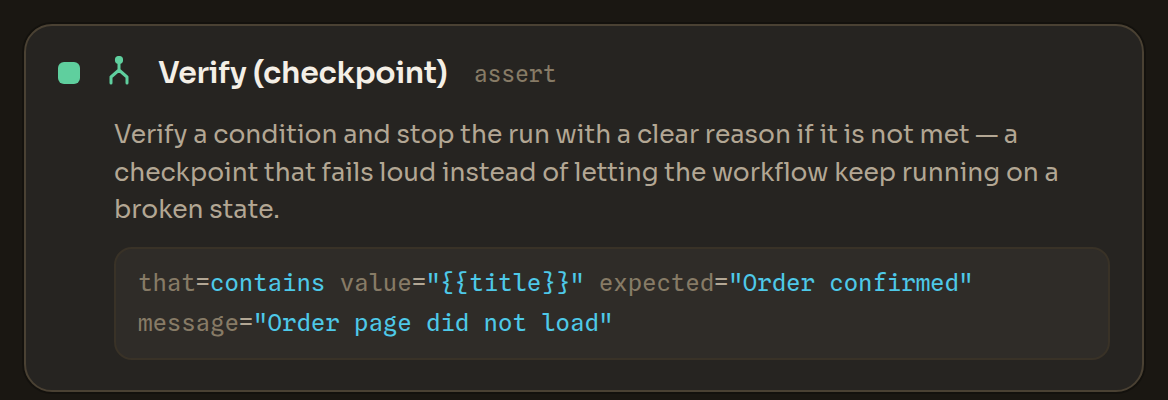
Dialog
Accept dialog accept_alert
Accept a JavaScript dialog the page opened (alert/confirm/prompt).
{"accept_alert": {}}
Dismiss dialog cancel_alert
Dismiss a JavaScript dialog the page opened.
{"cancel_alert": {}}
Proxy
Rotate proxy IP rotate_proxy
Get a new IP for the profile's proxy port and wait for it (up to 60 s) before the next step.
{"rotate_proxy": {"wait": 5, "into": "new_ip"}}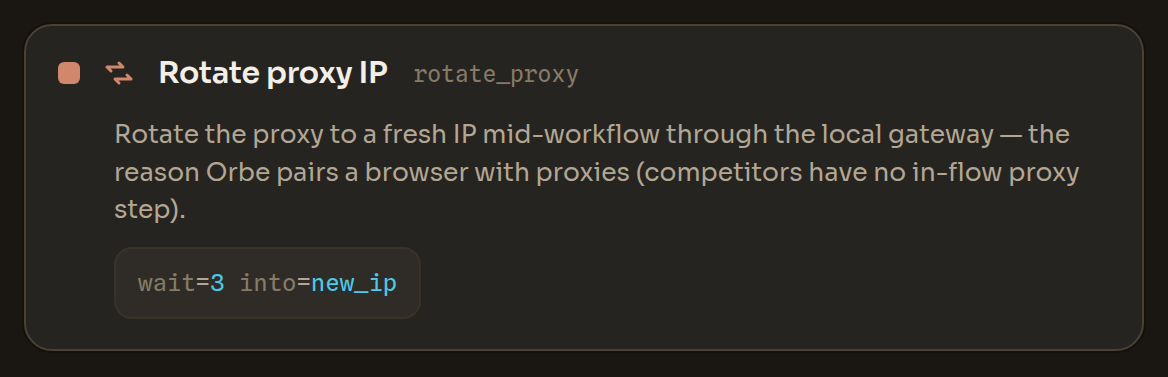
Set proxy set_proxy
Point the profile at a different upstream proxy. Runs only in trusted workflows.
{"set_proxy": {"host": "1.2.3.4", "port": 8080, "user": "u", "pass": "{{proxy_pass}}"}}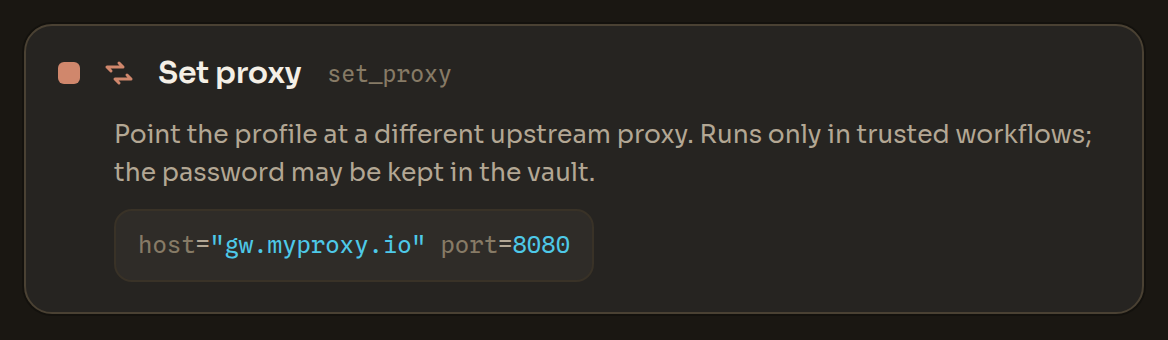
Network
HTTP request http_request
Make an HTTPS request from the runner and store {status, headers, body}. Hardened against SSRF: https-only, resolved IPs are pinned and internal/private/metadata targets and Orbe's own ports are refused, redirects are re-validated each hop. Runs only in trusted workflows and sends no ambient cookies or credentials.
{"http_request": {"url": "https://api.example.com/item", "method": "GET", "into": "resp"}}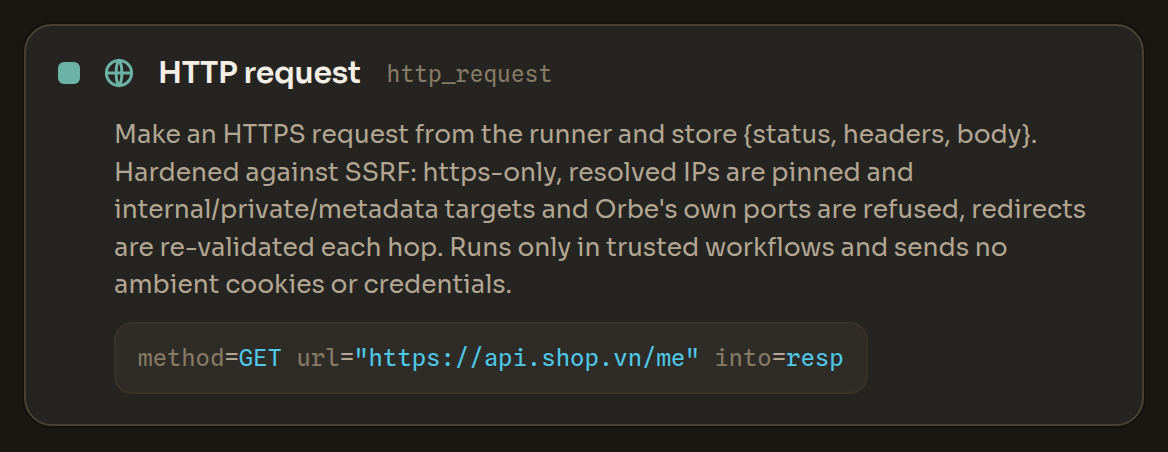
Build these visually in the Workflow Editor, or drive the same actions from code via the SDK & MCP.